I’m evaluating this for my company. What does integration look like?
One HTTPS call. Your platform sends two photos and a height and gets back the measurement set you define, in your field names and units, plus, if you want them, the 3D body as OBJ or glTF, the raw geometry for your own viewer, or our embeddable viewer in your colors. Processing runs in the US or the EU, or on a dedicated instance. Contact us for a technical walkthrough.
What kind of photos work best?
Use the guided camera: prop your phone upright at about hip height, step back until you can see yourself head to toe, and the countdown gives you time to get into place, front view first, then the side. Fitted clothing gives the best results, but jeans, shorts and T-shirts work too; take off coats and bulky layers. Stand with your arms slightly away from your sides for both photos.
What happens to my photos?
They are made smaller on your device, sent over an encrypted connection, processed in memory and deleted as soon as your result is sent back. They are never stored or used for training. Scans you choose to save stay in your browser, not on our servers.
Can I compare scans over time without an account?
Yes. Save a scan on this device, scan again later, and the progress view shows where your body changed, point by point on the 3D model and measurement by measurement. Saved scans live in your browser only. Businesses build the same progress tracking into their own products, with the history held in their systems.
Why does my browser ask for camera permission?
Every website that uses your camera has to ask. Nothing is captured until the countdown ends, the preview stays on your device, and if you’d rather not, uploading photos works just as well.
How accurate is it?
On average, measurements are within 1.6 cm (⅝ in) in everyday clothing, across 18 standard measurements. Results are best in fitted clothing with arms slightly away from your sides. Businesses evaluating the technology can validate it against their own tape measurements in a pilot.
What measurements do I get?
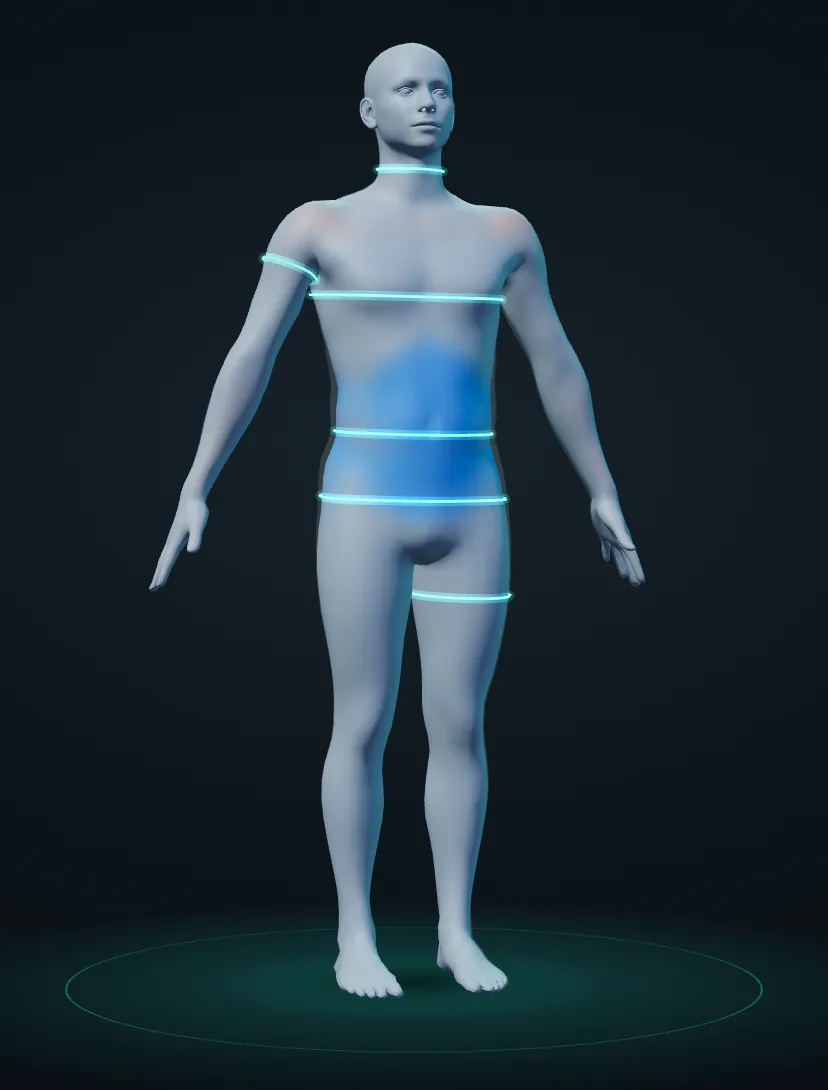
This demo returns the standard set of 18 measurements, every one drawn on your 3D body: girths from head to ankle, plus lengths such as inseam, arm length and shoulder width. Tap one in the viewer’s list to see exactly where it is taken. Because the result is a full 3D body, any other girth or length can be measured too. In the measurement builder, place yours on a default 3D body (no scan needed), save them as a measurement set and send it to us: your API key then returns that set on every scan. Partners use this for apparel sizing, uniforms, compression garments, fitness and health programs.
Can I export or reuse the 3D model?
Yes. The viewer’s 3D model button downloads the body as an OBJ file (CAD, pattern-making, Blender), and Download keeps the whole interactive scan as one .html file. Integrations can also get glTF (web, Unity, AR) or the raw geometry for their own viewer. It is a measurement-grade body model, built for accurate dimensions rather than a lifelike avatar.
Something didn’t work. What should I check?
Make sure both photos show your whole body, head to feet, that your height is entered and that you’re on a recent browser. Very dark photos, other people in frame or long coats can stop a scan. If it keeps failing, tell us.